
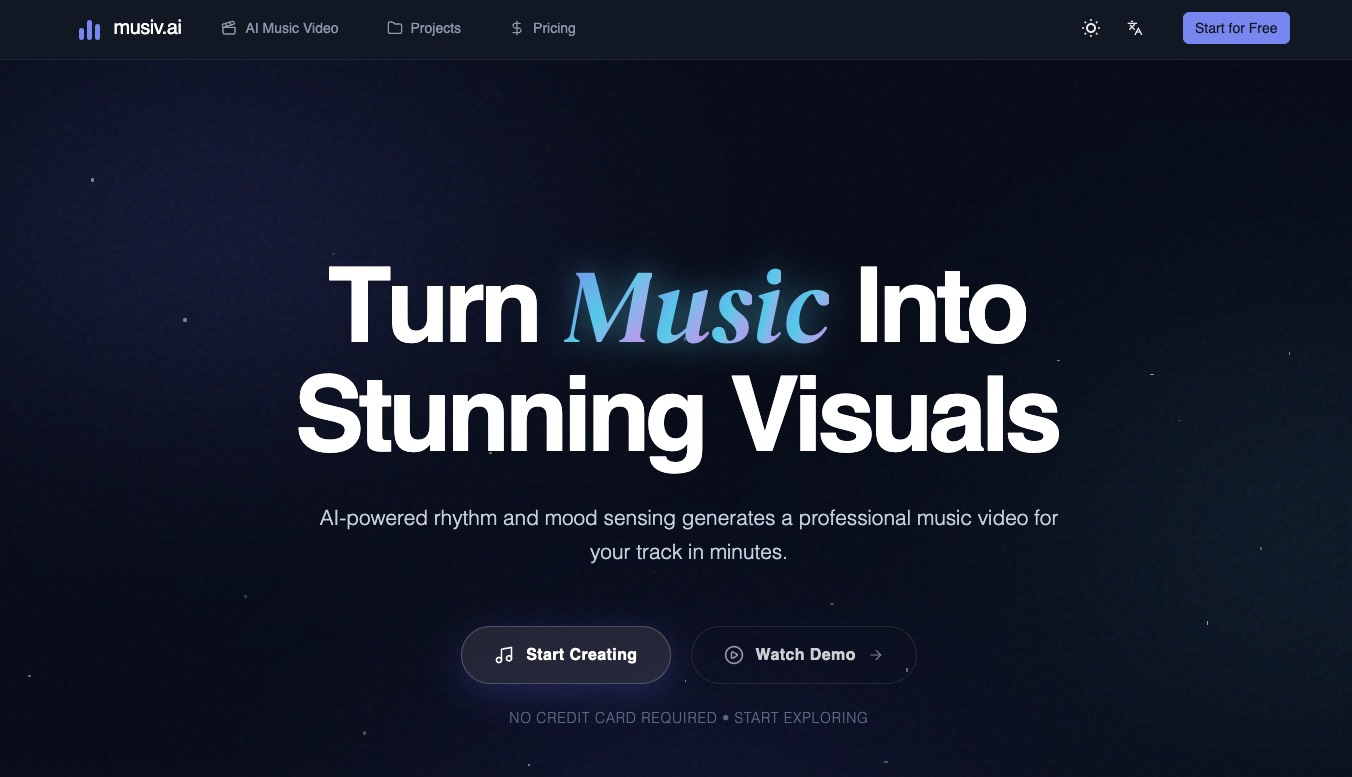
What is Musiv
Musiv is an AI-powered music video generation platform that turns your audio into cinematic, beat-synced visuals in minutes. By analyzing rhythm, mood, tempo, and emotional peaks, it automatically creates professional storyboards, transitions, and final videos that can be exported to leading AI video engines like Veo and Sora. Beyond video, Musiv also offers AI music generation and AI lyric writing, making it a complete creative suite for artists, producers, and content creators.
How to use Musiv
-
Sign up and access the dashboard
Visit the Musiv website and create an account. Once logged in, you will see the main dashboard with access to tools like AI Music Video, AI Music Generator, AI Lyrics Generator, Music Storyboard, and AI Transition. -
Create an AI music video
a. Click on AI Music Video to start a new project.
b. Upload your audio file (for example, MP3 of your track).
c. Let Musiv analyze your music’s rhythm, tempo, mood, energy, and emotional peaks.
d. Choose a visual style or theme that matches your genre (e.g., synthwave, cyberpunk, ambient, lo‑fi, cinematic).
e. Review the automatically generated storyboard, which outlines scenes and transitions synced to your track.
f. Adjust any scenes, prompts, or transitions if needed to better fit your narrative.
g. Generate the full AI music video and preview the result.
h. Export the video in your desired resolution and format, ready to share on social platforms or streaming sites. -
Use the Music Storyboard Generator
a. Open the Music Storyboard tool.
b. Upload your music or select an existing track from your Musiv library (e.g., Neon Pulse, Midnight Fog, Velvet Rain).
c. Let the AI analyze your track and generate a frame‑by‑frame visual roadmap, including start frames, end frames, and transition prompts.
d. Explore cinematic frames such as abstract neon lights, urban cityscapes, or cosmic nebulae that evolve with your audio’s crescendos and breakdowns.
e. Refine or edit prompts and transitions to align with your storytelling goals.
f. Use the storyboard as a blueprint for further AI video generation in engines like Veo or Sora. -
Generate original music with AI Music Generator
a. Click on AI Music Generator.
b. Choose your preferred genres and moods (for example EDM, ambient, cinematic, orchestral, lo‑fi, jazz, chill).
c. Set basic parameters such as duration and energy level.
d. Generate a new track and listen to the preview.
e. Iterate until you have a royalty‑free background track suitable for your videos, podcasts, or social content.
f. Save and download your favorite tracks for later use in AI music videos or external projects. -
Create lyrics using AI Lyrics Generator
a. Open the AI Lyrics Generator.
b. Choose a mode such as Story Mode, Rhyme Master, or Concept Freeform depending on your creative needs.
c. Enter your ideas, themes, or key phrases (e.g., synthwave cityscapes, midnight fog, velvet rain, heartbreak, nostalgia).
d. Let the AI generate lyric drafts for verses, choruses, or full songs.
e. Edit and refine the lyrics to match your artistic voice.
f. Use the final lyrics in your music or pair them with AI‑generated tracks and videos. -
Design transitions with AI Transition
a. Navigate to the AI Transition tool.
b. Select the scenes or clips you want to connect.
c. Define the mood and visual direction of the transition (e.g., crystalline geometry dissolving into liquid light, cosmic dust, soft bokeh).
d. Generate smooth, creative transitions that stay synced with your beats and emotional peaks.
e. Insert these transitions into your storyboard or final video for a more polished, cinematic feel. -
Export and integrate with external AI video engines
a. Once your storyboard or video is ready, export your project.
b. Choose multi‑model export options that support top‑tier AI video generators like Veo and Sora.
c. Import the storyboard or visual prompts into those tools to enhance or extend your final video.
d. Render and distribute your completed music video across platforms such as TikTok, YouTube, or Instagram. -
Explore community creations for inspiration
a. Browse the Made by the Community section to see projects like Orbital Echo, EDM Unleashed, Liquid Chrome, Organic Texture, Digital Fluidity, Ambient Silence, Acid House, Neon Pulse, Retro Lo‑Fi, and Infinite Echo.
b. Study how other creators combine genres, moods, and visual styles.
c. Use these examples to refine your own prompts, storyboards, and music choices.
Musiv’s use case
-
Independent musicians releasing music videos
Artists who want professional, beat‑synced music videos for new singles or albums without hiring full production teams can use Musiv to go from audio file to finished video in minutes. -
Music producers showcasing beats and instrumentals
Producers can turn their tracks into visually engaging clips to share on social platforms, showreels, and streaming services, helping their beats stand out in a crowded marketplace. -
Content creators and influencers
Creators on platforms like TikTok, Instagram, and YouTube can generate eye‑catching visual loops, background music, and transitions that increase engagement and watch time. -
Filmmakers and video editors needing mood boards
Directors, editors, and creative teams can use Musiv’s music storyboard to quickly visualize a track’s emotional arc and generate reference frames for full productions. -
Podcasters and storytellers
Podcasters and narrative creators can generate royalty‑free background music that matches the tone of episodes, trailers, or promotional clips, and pair it with simple thematic visuals. -
Brands and marketing teams
Marketing teams can create on‑brand, rhythm‑aware visuals and background music for campaigns, ads, product launches, and social posts without large budgets or long turnaround times. -
Live performers and DJs
DJs and live performers can create reactive, beat‑synced visual backdrops for shows, streams, or club performances using Musiv’s music video and transition tools. -
Songwriters and lyricists
Writers can use the AI Lyrics Generator to overcome writer’s block, brainstorm new song ideas, or rapidly iterate different lyrical directions for a project.
Benefits of Musiv
-
End‑to‑end creative workflow in one platform
Musiv brings together AI music video generation, music creation, lyric writing, storyboarding, and transitions, so you can move from idea to finished audiovisual content without juggling multiple tools. -
Beat‑synced, emotionally aware visuals
By analyzing rhythm, tempo, mood, and emotional peaks in your track, the platform produces visuals and transitions that feel tightly synchronized with every beat and crescendo. -
Cinematic storyboarding and narrative control
The AI Storyboard feature gives you a coherent, frame‑by‑frame visual roadmap, complete with start frames, end frames, and natural transitions, helping you shape a strong visual narrative around your music. -
Flexible integration with leading AI video engines
With multi‑model export options, you can seamlessly bridge your Musiv storyboards into top AI video generators like Veo and Sora to push visual fidelity even further. -
Time and cost efficiency for creators
Musiv dramatically reduces the time and budget required to produce high‑quality music videos, making production‑level visuals accessible to independent artists, small teams, and solo creators. -
Genre‑agnostic support for diverse styles
From synthwave, cyberpunk, EDM, and acid house to ambient, cinematic, orchestral, lo‑fi, jazz, and chill, Musiv adapts to a wide range of musical genres and moods. -
User‑friendly workflow for non‑experts
The guided tools, preconfigured modes, and AI‑assisted prompts make it easy to generate professional results even if you have limited experience with video editing, VFX, or composition. -
Community‑driven inspiration and social proof
The gallery of community projects and testimonials from artists, producers, and creators gives you practical inspiration and confidence that the platform can elevate your own releases and content strategy.